

Save Time, Cut Costs, and Work Smarter
Introduction
Running a small business in 2026 means handling multiple responsibilities at once. You’re the marketer, the customer service rep, the bookkeeper, and the strategist — all before lunch. Sound familiar?
Here’s the good news: AI is no longer just for big corporations with massive tech budgets. Today, the best AI tools for small business are affordable, beginner-friendly, and genuinely useful when used right. We’re talking about tools that write your emails, answer customer questions, automate your workflows, and even handle your invoicing — all while you focus on the work that actually grows your business.
In this guide, you’ll find the top AI business tools broken down by category, with real examples, honest pricing notes, and a simple framework for choosing what fits your needs — even if you’ve never used AI software before.
What Are AI Business Tools and Why Should Small Businesses Care?
AI business tools are software applications that use artificial intelligence to automate, assist, or speed up tasks that would normally take a human hours to complete. Think of them as a very capable virtual assistant that works 24/7 and helps reduce manual workload.
For small businesses and startups, this matters a lot. You likely don’t have a 20-person team. Every hour you spend manually drafting content, sorting emails, or chasing invoices is an hour you’re not spending on strategy, relationships, or growth.
The Real Cost of Not Using AI in 2026
Your competitors — even the small ones — are already using AI automation tools to do more with less. A freelancer with the right AI stack can outperform a small team without it. If you’re still doing everything manually, you’re not just slower. You’re operating at a serious disadvantage compared to competitors.
💡 Quick stat: Small businesses that adopt AI tools report saving an average of 10–15 hours per week on repetitive tasks. That’s nearly two full workdays back in your pocket.
Best AI Tools for Small Businesses in 2026 (By Category)
Instead of throwing a giant list at you, we’ve organized the best AI software for startups and small businesses into five practical categories. Pick the ones that match your biggest pain points first.
Best AI Tools for Content and Marketing
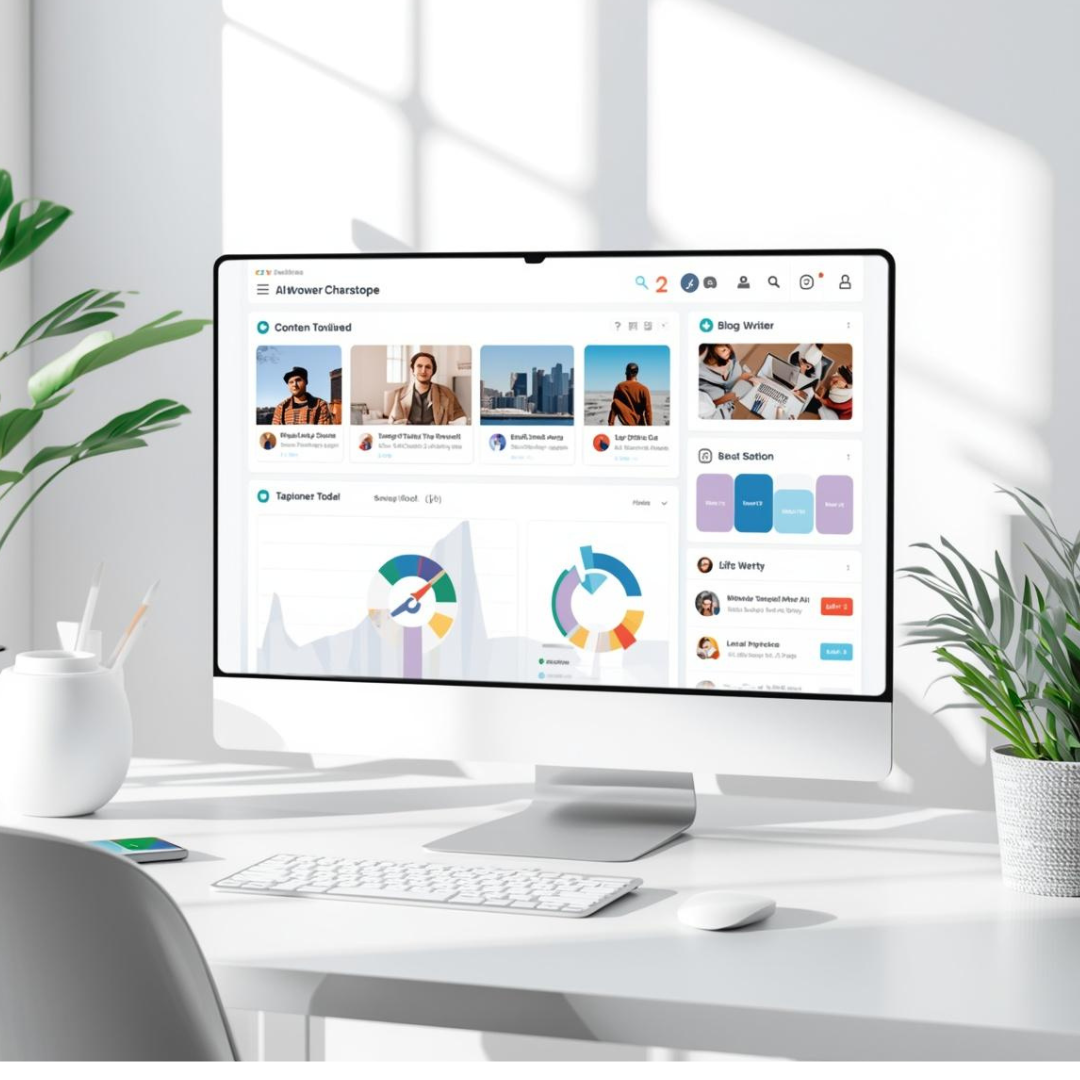
Content creation is one of the biggest time drains for small businesses. These tools help you write faster, rank better, and stay consistent — without hiring a full-time copywriter.
ChatGPT (OpenAI) — The versatile all-rounder. Use it to draft blog posts, write product descriptions, create social captions, and brainstorm campaign ideas. The free tier works well for basic use; ChatGPT Plus unlocks faster performance and more advanced features.
Jasper AI — Built specifically for marketing teams and solo business owners who need polished, brand-consistent content at scale. Jasper includes templates for ads, emails, landing pages, and long-form articles. Best for businesses producing content regularly.
Canva AI (Magic Studio) — Canva’s AI layer now lets you generate images, resize designs for different platforms, and even write copy — all inside the design tool you probably already use. Free plan is surprisingly generous.
Example: A local bakery could use ChatGPT to write a week’s worth of Instagram captions in 20 minutes, then use Canva AI to generate matching visuals — no designer needed.
Best AI Tools for Customer Support
Customers expect fast answers. These AI tools help you respond 24/7 without hiring overnight staff.
Tidio — A smart live chat and chatbot tool designed for small e-commerce and service businesses. Tidio’s AI can handle FAQs, collect leads, and hand off complex issues to a human. It integrates with Shopify, WordPress, and most website builders. Free plan available.
Intercom (Fin AI) — More powerful and better suited for growing businesses. Fin is Intercom’s AI agent that resolves customer queries automatically using your help content. It can dramatically cut support ticket volume.
Freshdesk with Freddy AI — A full customer support platform with AI built in. Freddy suggests replies, summarizes tickets, and predicts customer sentiment. Good value for teams handling a moderate-to-high volume of support requests.
Best AI Tools for Productivity and Task Management
These tools help you stay organized, take better notes, and keep your team in sync — especially useful if you’re a solo operator or a very small team.
Notion AI — If you already use Notion for notes or project management, the AI add-on is a no-brainer. It summarizes meeting notes, drafts project plans, and helps you search across your entire workspace. Affordable monthly add-on.
Otter.ai — Records and transcribes meetings in real time. Automatically generates summaries and action items. Great for anyone who spends time on Zoom or Google Meet and hates taking notes manually.
Reclaim.ai — An AI calendar assistant that automatically schedules focus time, habits, and meetings based on your priorities. It’s like having a personal executive assistant who protects your deep work time.
Best AI Automation Tools for Workflows

AI automation tools connect your apps and handle repetitive multi-step tasks so you don’t have to. Think of these as the glue between all your other software.
Zapier — The go-to automation platform for small businesses. With 8,000+ app connections, Zapier lets you build workflows (called Zaps) that trigger actions automatically — like sending a Slack message every time you get a new lead. Now includes AI-powered Copilot to build automations using plain English.
Make (formerly Integromat) — A more visual, flexible automation tool that suits businesses with slightly more complex workflows. Has a generous free tier and is popular with startups that need custom data routing.
n8n — A developer-friendly open-source automation tool that’s gaining popularity for AI-powered workflows. Best for tech-savvy business owners who want full control without usage limits.
Example: A freelance consultant could use Zapier to automatically log new client inquiries from a website form into a CRM, send a welcome email, and create a task in their project manager — all without touching a single button.
Best AI Tools for Finance and Admin
The admin side of running a business is where hours quietly disappear. These tools bring AI into invoicing, expense tracking, and bookkeeping.
QuickBooks with AI — QuickBooks has been adding AI features that categorize expenses, flag anomalies, and even predict cash flow. For most small businesses, it’s still the gold standard for accounting software.
Dext (formerly Receipt Bank) — Snap a photo of a receipt and Dext automatically extracts the data and syncs it with your accounting software. Saves hours of manual data entry each month.
Fireflies.ai — Transcribes and summarizes sales calls automatically, then logs notes directly into your CRM. Ideal for business owners who are also their own sales team.
How to Choose the Right AI Software for Your Startup or Small Business
With hundreds of AI tools flooding the market, choosing the right ones can feel overwhelming. Here’s a simple framework to cut through the noise.
Questions to Ask Before Buying Any AI Tool
Does it solve a specific, recurring problem I have right now?
Is there a free trial or free tier I can test before committing?
How long will it realistically take me to learn and use it?
Does it integrate with the tools I already use?
What happens to my data — is it used to train their models?
That last question matters more than most people realize. Before feeding your business data — customer lists, financial info, proprietary content — into any AI tool, read their privacy policy. Some tools use your inputs to improve their models by default. Look for options to opt out.
Free vs. Paid — What’s Actually Worth the Money?
Most of the best AI tools for small business have free tiers that are genuinely useful for getting started. Here’s a quick rule of thumb:
Start free on tools you’re not sure about — ChatGPT, Canva AI, Tidio, and Notion AI all have free plans worth exploring.
Pay for tools that directly save you time or make you money — if an AI tool saves you 5 hours a week and costs $30/month, that’s almost certainly worth it.
Avoid stacking too many subscriptions — pick one tool per category and master it before adding more.
💡 Pro tip: Start with just two or three AI tools. Pick one for content/marketing and one for automation. Once those are part of your routine, add more. Trying to implement everything at once leads to tool fatigue and wasted money.
Tips for Getting Started with AI Business Tools

Getting started doesn’t have to be complicated. Here are a few practical tips for business owners who are new to AI software:
Identify your biggest time sink first. What task do you dread most each week? That’s where AI will have the fastest impact.
Don’t aim for perfection. AI output rarely needs zero editing, but it usually gets you 80% of the way there in 10% of the time.
Build simple workflows before complex ones. A single Zapier automation that saves you 30 minutes a day is more valuable than a complex system you never finish setting up.
Keep a short list of prompts that work. If you find a ChatGPT prompt that produces great results for your business, save it. Build your own prompt library over time.
Review AI outputs before publishing or sending. AI tools are powerful assistants, not replacements for your judgment and brand voice.
Final Thoughts
The best AI tools for small business in 2026 are not instant solutions, but they can be incredibly valuable for modern businesses. Whether you’re a solo consultant, a small e-commerce store, or a growing startup, there are tools in this list that can meaningfully reduce the time you spend on repetitive work and help you show up more professionally to your customers.
The key is to start small, stay consistent, and choose tools that solve real problems in your business — not just the ones that look shiny on social media. AI is no longer an advantage reserved for big companies. It’s your advantage too, if you choose to use it.
Frequently Asked Questions (FAQ)
Q: What are the best free AI tools for small businesses?
A: Several excellent AI tools offer free tiers that are genuinely useful for small businesses. ChatGPT (free plan), Canva AI, Tidio, Notion AI, and Otter.ai all have free versions worth starting with. You can run meaningful parts of your business on these free plans while you evaluate what’s worth paying for.
Q: Is AI software easy to use for non-technical business owners?
A: Yes — most modern AI business tools are designed for people who are not developers or tech experts. Tools like Canva AI, ChatGPT, and Zapier use plain English interfaces. If you can type a message, you can use most AI tools available today.
Q: How much does it cost to use AI tools for a small business?
A: Costs vary widely. Many tools start free, while paid plans typically range from $10 to $100 per month depending on the tool and usage level. A practical AI stack for a small business covering content, automation, and customer support can often be assembled for under $100/month total.
Q: Will AI tools replace my employees or team members?
A: In most small business contexts, AI tools assist rather than replace people. They handle repetitive, time-consuming tasks so that you and your team can focus on higher-value work like strategy, relationships, and creative problem-solving. Think of AI as a highly efficient assistant, not a replacement.
Q: What is the difference between AI automation tools and regular software?
A: Regular software does what you tell it to, step by step. AI automation tools can learn patterns, make decisions, understand natural language, and adapt to new inputs. For example, a regular email tool sends emails you manually write. An AI tool can draft those emails, suggest the best send time, and personalize them for each recipient automatically.
Q: Are AI tools safe for small businesses to use with customer data?
A: It depends on the tool and how you use it. Reputable platforms like those from Google, Microsoft, HubSpot, and OpenAI have clear data privacy policies. Always review their terms before inputting sensitive customer information. Look for tools that offer data opt-out settings and comply with regulations like GDPR if you serve customers in Europe.
Q: Which AI tool is best for a business just starting with AI?
A: ChatGPT is the most accessible starting point for most small business owners. It’s free, requires no setup, and can help with a huge range of tasks from writing to research to planning. Once you’re comfortable with it, add a workflow automation tool like Zapier as your second step.
Great article! I liked the practical overview of AI tools that help small businesses save time, automate tasks, and improve productivity. Thanks for sharing!
Thank you for your thoughtful feedback! I’m glad you found the article useful. I’ll continue sharing practical guides and actionable tips to help small businesses grow. Thanks for visiting Halgain!